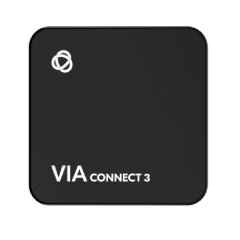
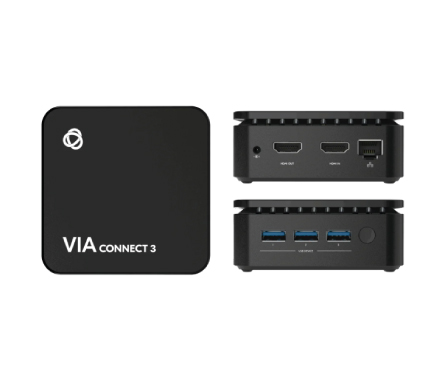
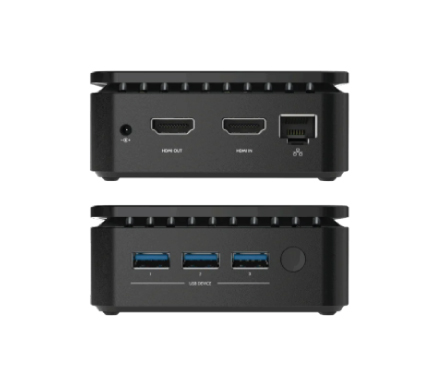
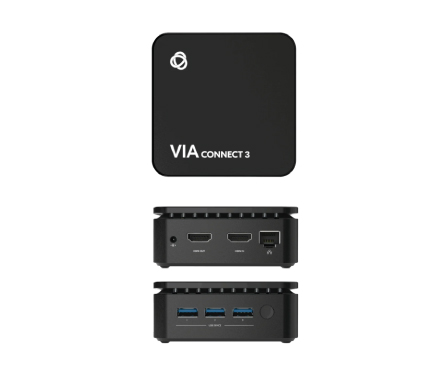
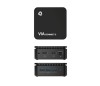
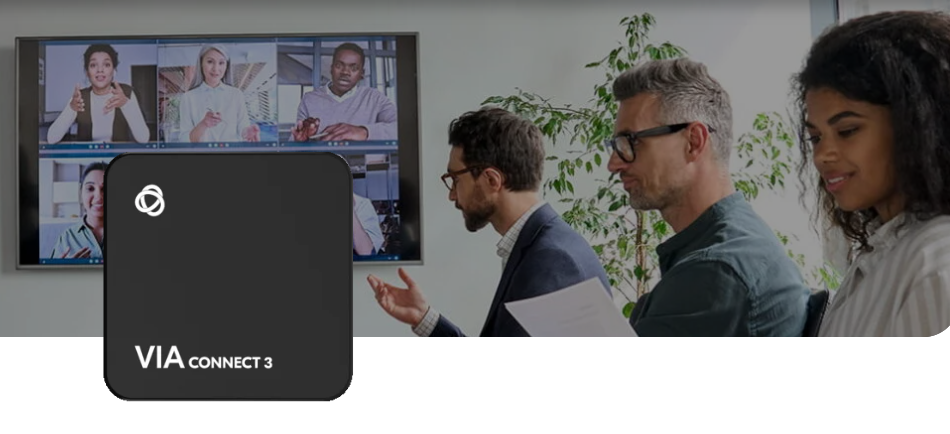
Share, collaborate, engage, teach and learn efficiently with an all-inclusive platform enriched with numerous collaboration tools. VIA makes connecting to meetings and sharing content, even video, in high quality, effortless, smooth, and disruption-free.
Rich collaboration toolsAn extensive set of advanced collaboration tools, all provided within VIA at no extra cost, maximize efficiency and engagement in every session. With the included file sharing, whiteboard and annotation, secure chat and numerous other tools, participants can simultaneously edit documents, share ideas, and interact naturally, whether they are onsite or remote.
Fast, simple connection and sharingJoining a meeting and sharing content wirelessly are quick and effortless. Participants are quickly connected to the VIA Wi-Fi and to the room audio-visual collaboration devices. No need for a dongle or cable.
High-quality AVWhen it’s easier to show than tell, VIA lets you stream uninterrupted 4K HD video from anywhere on the local network. You can also stream videos from YouTube and other sources over the internet in high quality.
Advanced content controlManage meetings and content sharing using the VIA app on any device or over the web. Moderator Mode enables teachers and meeting leaders to manage participant privileges and preview content, preventing unwelcome distractions.
Bring your own everything – meeting, license or room
Enjoy maximum flexibility in how people come together to learn, collaborate and engage. The VIA family includes solutions for every type of space, and users can connect and share any application content wirelessly from their own devices or use VIA as the room computer.
Collaborate freely and with confidence, knowing that all content and data are secured, and your network is protected. VIA incorporates robust security and privacy features.
Enterprise-level securityVIA meets the highest standards for enterprise security, including ISO 27001 and third-party security certification. All data sent between any device and a VIA solution is 1024-bit encrypted.
Robust network protectionYou can open your rooms to collaboration with confidence that your network is safeguarded. VIA utilizes 802.1X authentication to ensure only authorized access, all connections are encrypted, and the room Wi-Fi is isolated from the enterprise network.
Full data privacyMultiple mechanisms built into VIA ensure any participation and use of content and data are legitimate. Connection requires a room code, so that only validated participants can share data. The presenter and presented content are automatically disconnected from VIA when sessions end, ensuring that private content does not remain on the display. The solution is GDPR compliant.
Efficiently manage all your collaboration spaces. VIA VSM supports any size deployment, enabling simple management and maintenance of any number of spaces, from one room to thousands, whether all in one building or campus-wide.
Large-scale management capabilitiesManage large numbers of collaboration spaces across even the largest site, efficiently and cost-effectively, using the VSM management platform for VIA devices. With the ability to analyze usage reports, health, and activity, you can adjust the VIA app functionality according to your needs. Using the built-in digital signage drag & drop content editor and templates, you can create and schedule content remotely, enabling screens to do double duty as digital signage when not being used to display content.
Simple setup and maintenanceFlexible support changing needs, with simple remote deployment and maintenance, and easy scalability. You can onboard all your devices from one central location, add new devices, and change or add groups with ease. Use configuration templates to configure once, and apply many times. You can schedule automated bulk updates of firmware, stay on top of system and device health with customizable alerts and logs, and see usage reports for all your VIA devices.
Group managementOrganize your VIA devices in groups by functionality and room types. You can create settings templates for efficient configuration across your site and add group permissions to enable staff to manage their own department’s spaces.
Customizable interfaceBoost ease of use and productivity by customizing the VIA interface according to your organization’s unique usage and priorities. You can simplify the user interface by removing unused functions and tools and add shortcuts to commonly used web apps, so that users can access key tools at a glance.